


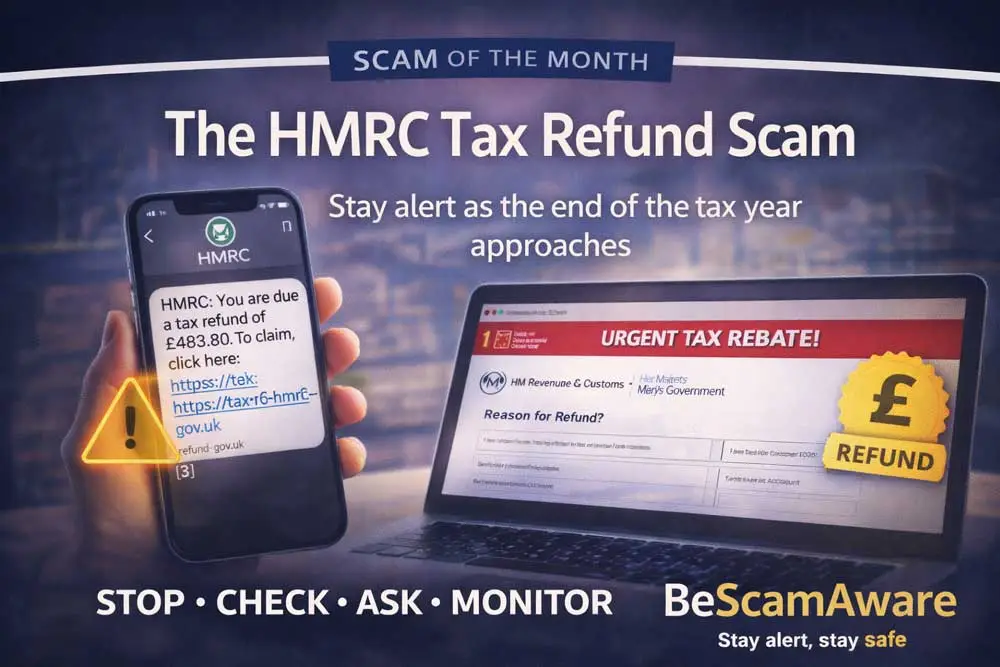
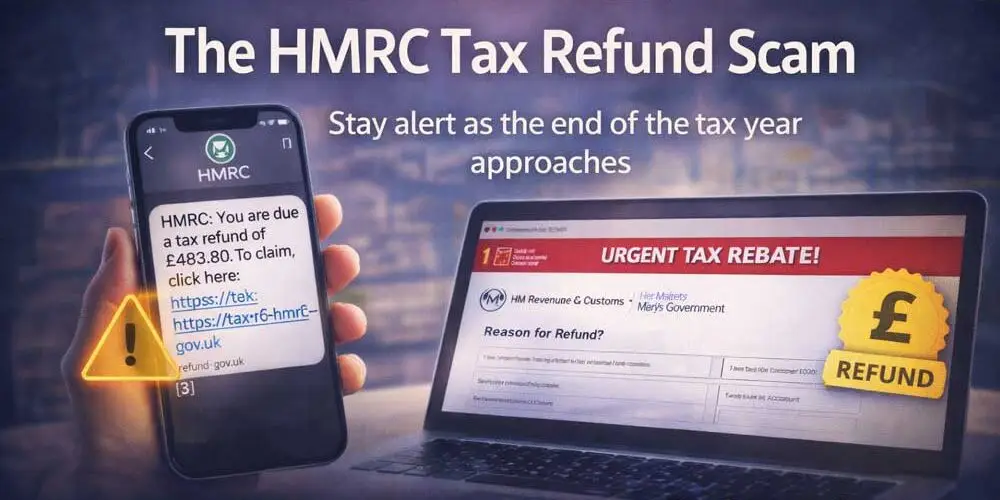
The HMRC Tax Refund Scam
March marks the approach of the end of the tax year. For many people across the UK, it’s a time when letters, emails and messages from HM Revenue and Customs feel entirely normal.
Scammers know that.
Every year, as the 5 April tax year deadline approaches, fake tax refund messages begin to circulate. They arrive by text, email or even phone call, claiming you are due a rebate or that urgent action is required on your tax account.
It sounds routine. Official. Timely.
That’s exactly why it works.
How the HMRC refund scam works
A message lands in your inbox or on your phone. It may say you are owed a tax refund, sometimes for a specific amount. Other versions claim there has been an issue with your National Insurance number or that your tax record needs urgent verification.
You are asked to click a link to claim your refund or avoid penalties.
The website often looks convincing, using official logos, colours and language. It may ask for personal details such as your full name, address, date of birth and National Insurance number. Some versions request bank or card details so the “refund” can be processed.
There is no refund.
Instead, your information is harvested for identity fraud, or your bank details are used to attempt unauthorised payments.
Why this scam is so effective in March
Tax is something most adults deal with at some point. Whether employed, self-employed, retired or running a business, contact from HMRC does not feel unusual.
Scammers take advantage of this familiarity. They rely on:
- The expectation of end-of-year tax communication
- The appeal of unexpected money
- Fear of penalties or fines
- Official-looking language and branding
A refund feels like good news. An urgent tax warning feels serious. Both trigger quick reactions.
The warning signs to watch for
HMRC does not notify people of tax refunds by text message asking for bank details. They do not send links requesting immediate verification of your account, and they do not threaten arrest, legal action or fines within hours.
While HMRC may send legitimate texts in some circumstances, they will never ask for personal or financial information by text message, nor will they pressure you to click a link to release a refund. Official communication about refunds is typically handled through your secure online tax account or by formal letter.
Scammers, however, design their messages to look urgent and convincing.
Be cautious if you notice generic greetings such as “Dear customer” or “Dear taxpayer” rather than your full name. Official government communication is usually personalised and specific.
Pay attention to the language used. Poor grammar, awkward phrasing or spelling errors can be a sign of fraud, although some scam messages are now written very professionally. The web address is often the biggest giveaway. Fake links may include extra words, unusual characters or slight misspellings designed to resemble official sites.
Any request for personal details, passwords, bank information or card numbers via text or email should raise concern immediately. HMRC will not ask for this information in that way.
Be especially wary of threats of immediate legal action, arrest, frozen bank accounts or large penalties unless you act straight away. These messages are designed to trigger panic and override rational thinking. Genuine tax processes follow formal procedures and allow time for response. They do not rely on fear or countdown timers.
Scammers rely on speed and emotion. Genuine tax processes do not.
If a message pushes you to act before you have time to think, that is your signal to pause.
Protect yourself with Stop · Check · Ask · Monitor (SCAM)
STOP
Pause before clicking. A genuine refund will not disappear if you take time to verify it.
CHECK
Do not use the link in the message. Instead, go directly to the official GOV.UK website by typing the address into your browser yourself. Log in to your tax account independently.
ASK
Ask yourself whether you were expecting a refund. If unsure, speak to someone you trust or contact HMRC through official channels listed on GOV.UK.
MONITOR
Keep an eye on your bank statements, credit activity and email accounts. If you have entered details into a suspicious site, contact your bank immediately and consider monitoring your credit file.
If you’ve already responded
If you have clicked a link or entered personal details, act quickly.
Contact your bank straight away if financial information was shared. Change passwords on any affected accounts. Report the message to your mobile provider or email service, and consider reporting the scam through official fraud reporting channels.
Acting quickly can significantly reduce the impact.
A final reminder this March
Scammers don’t send refunds.
They send links.
If a tax message creates urgency or promises unexpected money, take a moment before responding.
BeScamAware – Stay alert, stay safe.
Stop · Check · Ask · Monitor